ADS-B Aircraft Receiver
Power it up, attach an antenna, and your computer sees the aircraft around you in real time — callsign, position, altitude, speed and heading, all from signals the aircraft broadcasts itself. No internet, no subscription, no monthly fee.
 Real capture: aircraft shown live in the software — callsign, position, altitude and heading at a glance
What it is
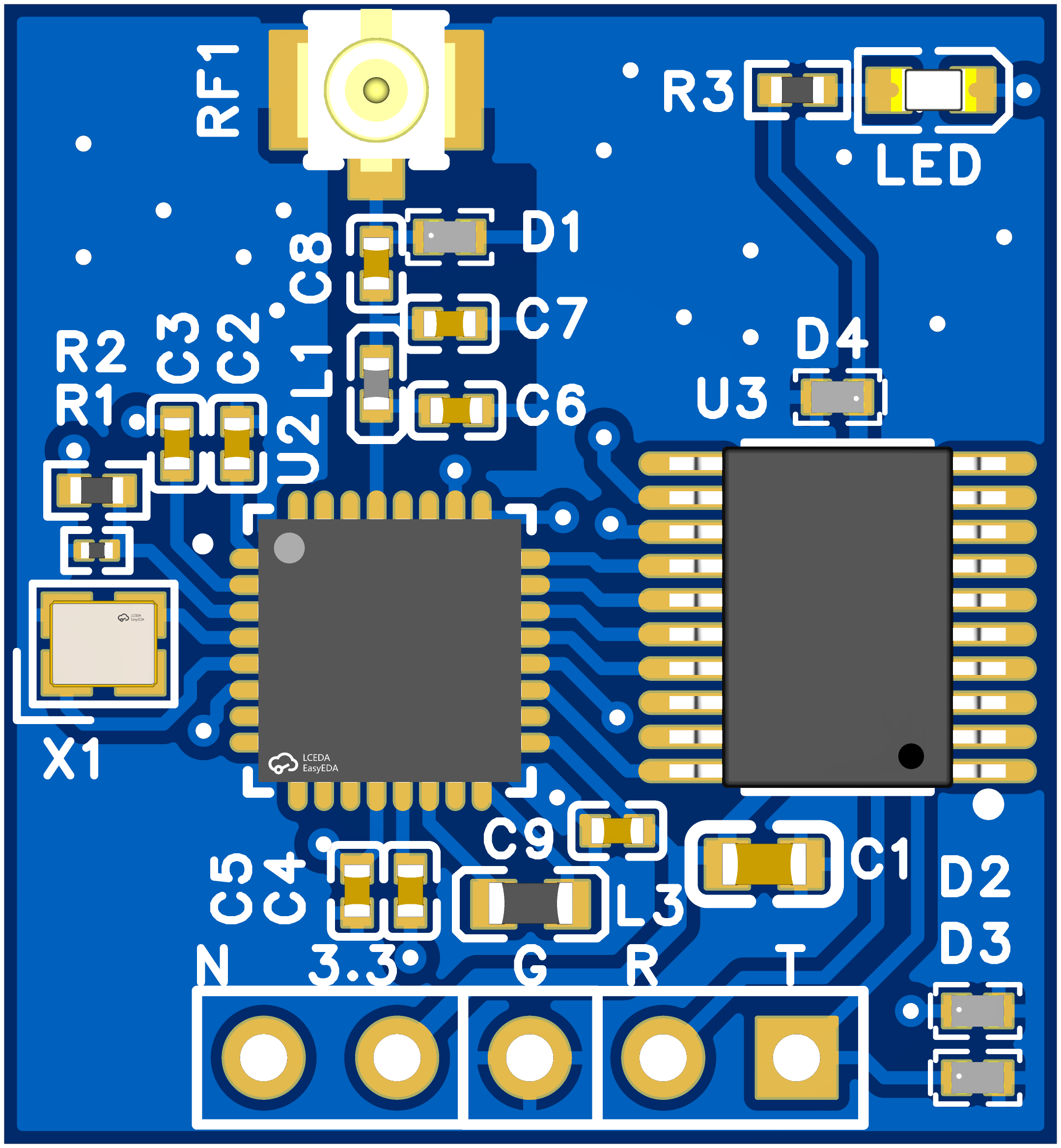
A palm-sized ADS-B receiver board. Airliners continuously broadcast their identity and position. This board receives and decodes those public signals and delivers the live information of every aircraft it hears over a standard serial port to your laptop, Raspberry Pi, microcontroller or drone ground station. It is a receive-only device: it listens, it never transmits, it interferes with nothing.
What you will see
- Callsign / registration — e.g.
CES1234,B-652Q, so you know exactly which flight it is - Latitude & longitude — plotted live on the map
- Pressure altitude — how high it is right now
- Ground speed — how fast it is covering the ground
- Heading — which direction it is flying
- Climb / descent rate — climbing or descending
- Signal strength — tells you if your antenna is well placed
- Multi-aircraft tracking — many aircraft at once, stale targets cleared automatically
Key features
- No internet, no subscription — the signal comes from the aircraft itself; works offline, zero running costs
- Two mainstream output formats — one for drone ground stations (Mission Planner and the MAVLink ecosystem), one for open-source flight-map tools; switch with a single command
- Tunable sensitivity — boost it to reach farther, dial it back near an airport to cut noise; takes effect in seconds
- Self-tuning on power-up — adapts to different antennas and RF modules, ready out of the box
- Settings survive power-off — one command returns to factory defaults
- Firmware update over one cable — through the same serial port, saved settings preserved
- Plug and play — four wires to a USB-to-serial adapter; powered at 3.3V, draws about 10 mA
- Open-source friendly — compatible with mainstream flight-tracking tools
Getting started (4 steps)
- Wire it up —
3.3V → VCC,GND → GND,TX → RX,RX → TX. Use 3.3V — do not connect 5V. On a CH340 breakout the VCC pin is 5V from USB, so take 3.3V from the adapter's regulator pin or a separate supply. - Fit the antenna — as high and open as you can (window, balcony, roof), away from metal and large glass.
- Open the software — Mission Planner, a flight-map tool, or the browser serial terminal.
- Watch the aircraft — icons appear on the map; click one for callsign, altitude, speed and heading.
Tools
- Web serial terminal — Web-serial-at.html runs in Chrome / Edge / Opera over
http://localhost, with the module's AT commands as one-click buttons. Set 115200 8N1, press CONNECT, sendAT, getOK. - Python viewer —
python mavlink_decoder_win.py COM25 115200prints every decoded aircraft and logs them to ajsonlfile. - Repository — github.com/jumbo5566/adsb-module (product introduction, web terminal, viewer tool).
Specifications
- Power supply: 3.3V only (5V not supported)
- Working current: approx. 10 mA
- Interface: standard serial port, 115200 default, 9600 selectable
- Receive band: ADS-B aviation broadcast band (1090 MHz), with matching antenna
- Mode: receive only, no transmission
This device receives flight information that aircraft broadcast publicly, for learning, research, hobby use and derivative projects. Use it only in ways that comply with your local regulations.